Description:
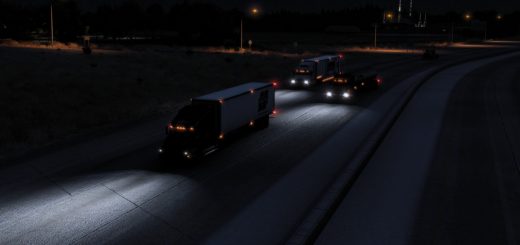
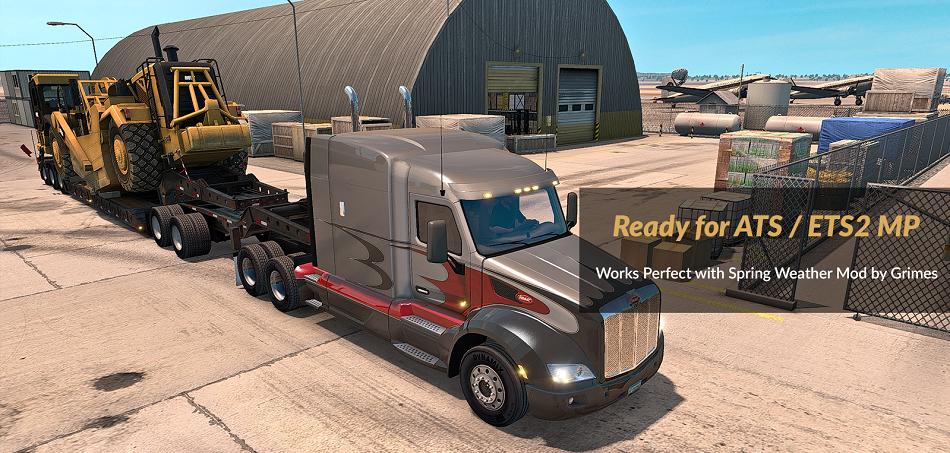
More vivid and realistic colors for a better gaming experience.
Changelog: Adjustments and improvements in Clarity.
Note: The Filter FXAA was activated in (SweetFX v2.0 and Reshade v3.0.8) with little intensity so that it does not affect the quality of the game environment.
Adjustments required * in the Game***
– Anti-Aliasing (MLAA): OFF (*)
– High Dynamic Range: ON (*)
– Depth of Field (DOF): OFF (*)
– Rays of Sunshine: ON (*)
– Color Correction: OFF (*)
– Anisotropic Filtering: Maximum (*)
Important: Replace the following paths in d3d9.ini**
– EffectSearchPaths=C:\Game\bin\win_x64\reshade-shaders\Shaders
– TextureSearchPaths=C:\Game\bin\win_x64\reshade-shaders\Textures
– ScreenshotPath=C:\Game\bin\win_x64
– PresetFiles=C:\Game\bin\win_x64\vivid and Realistic Colors Mod 17.2 SP.ini
Warning: Reshade is optimized for video cards (Mid range). In low-end GPU the loss of FPS is very high.
Comparison (Loss of FPS)
– Intel HD 4600: +10 FPS in the Game and +30 FPS in the Interface
– Asus Strix GTX 1060 OC 6GB: 0 FPS in the Game and 0 FPS in the Interface
Reshade menu: Activate with Shift + Delete
Additional: The key to activate and deactivate Reshade is INSERT. By default it is activated when the game is started.
To use Reshade on 32-bit systems, use d3d9.dll and d3d9.ini (x86 dll folder (Backup).
Compatible: American Truck, Euro Truck Simulator 2, Test Drive Unlimited Gold y 2, GTR 2 FIA, Dolphin Emulator, etc.