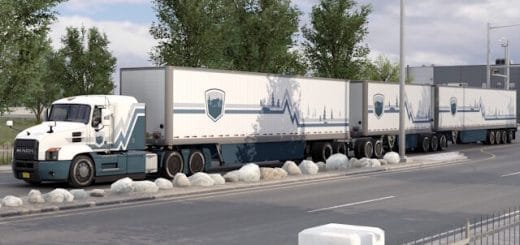
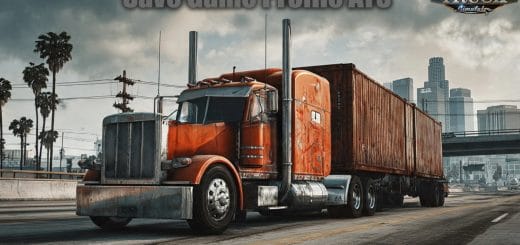
The custom setting v1.9.11 offers more realistic graphics and compatibility with many Games.
ScreenShots: JBX Preset v1.9.11 + JBX Weather for ATS/ETS2 v1.2
Features:
– Better Lighting
– Better Color
– Better Contrast
– No Pure White
– Sharpness and Focus
– Better Color Temperature
Changelog
– Updated Reshade v4.0.2
– Updated the 7 effects
– Updated ReShade.ini
– Updated JBX Preset
– Added PDF installation guide for most games
– Added automatic or manual configuration guide
– Added graphic configurations of 13 Games
Adjustments required* in the Game
– Anti-Aliasing (MLAA): OFF (*)
– High Dynamic Range: ON (*)
– Depth of Field (DOF): OFF (*)
– Rays of Sunshine: ON (*)
– Color Correction: OFF
– Anisotropic Filtering: Maximum
I recommend playing in the best graphic quality + 400% Scaling + Full HD
For better visual quality apply all the graphic settings I recommend. It affects the performance*
Necessary settings for my Preset v1.9.11 (Config.cfg)
uset r_gamma “1” (Important)
uset r_color_correction “0” (Optional)
uset g_bloom “0” (Optional)
Path: DocumentsAmerican Truck Simulatorconfig.cfg
Path: DocumentsEuro Truck Simulator 2config.cfg
Note: Exit the game before modifying config.cfg
Compatible: Con la mayoría de los juegos – With most games
Before evaluating my work, verify that the JBX settings are activated and correctly configured!!!