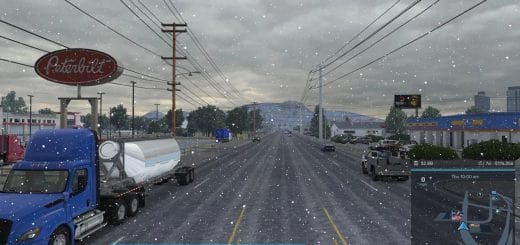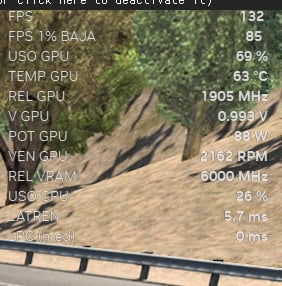
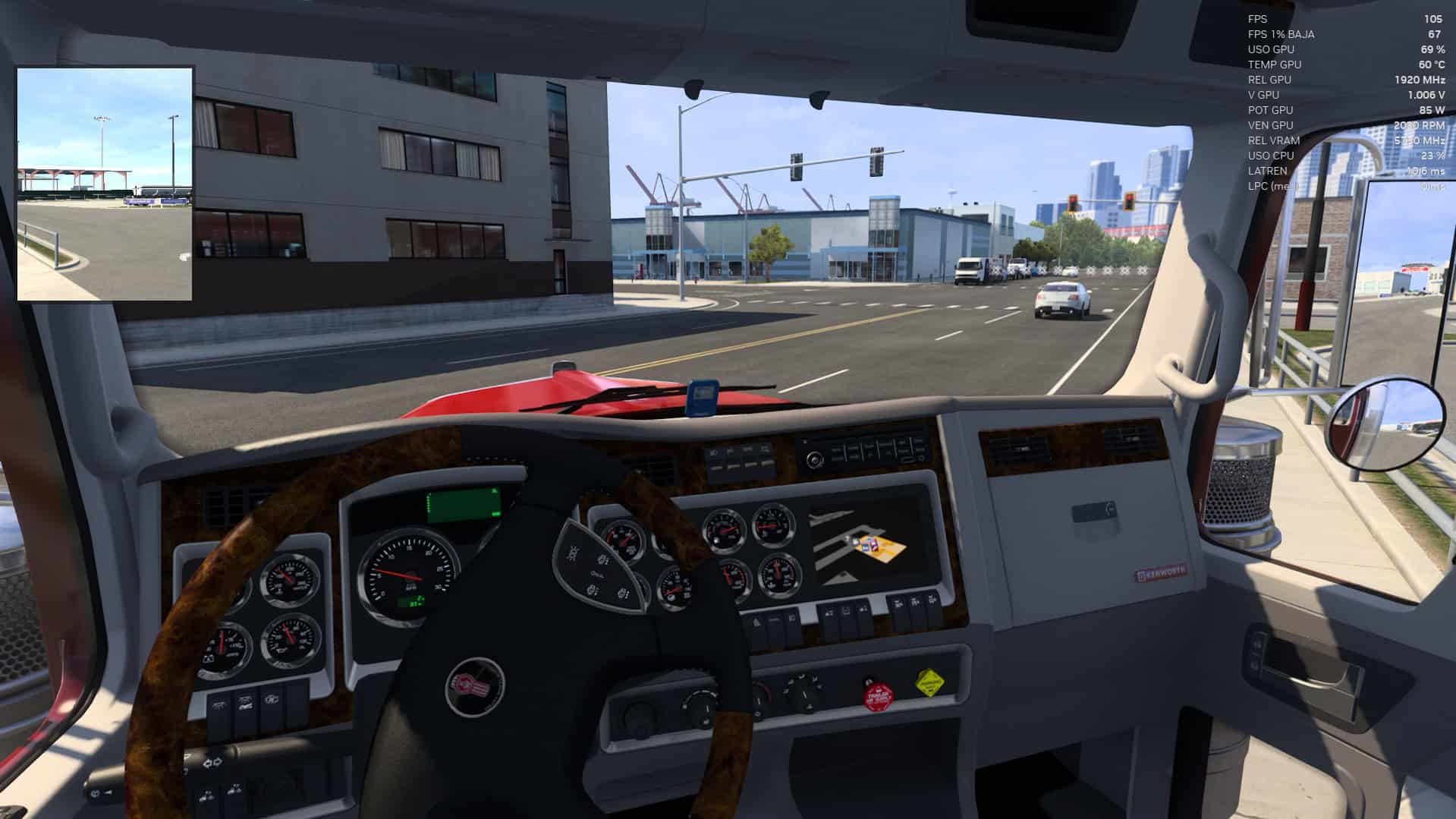
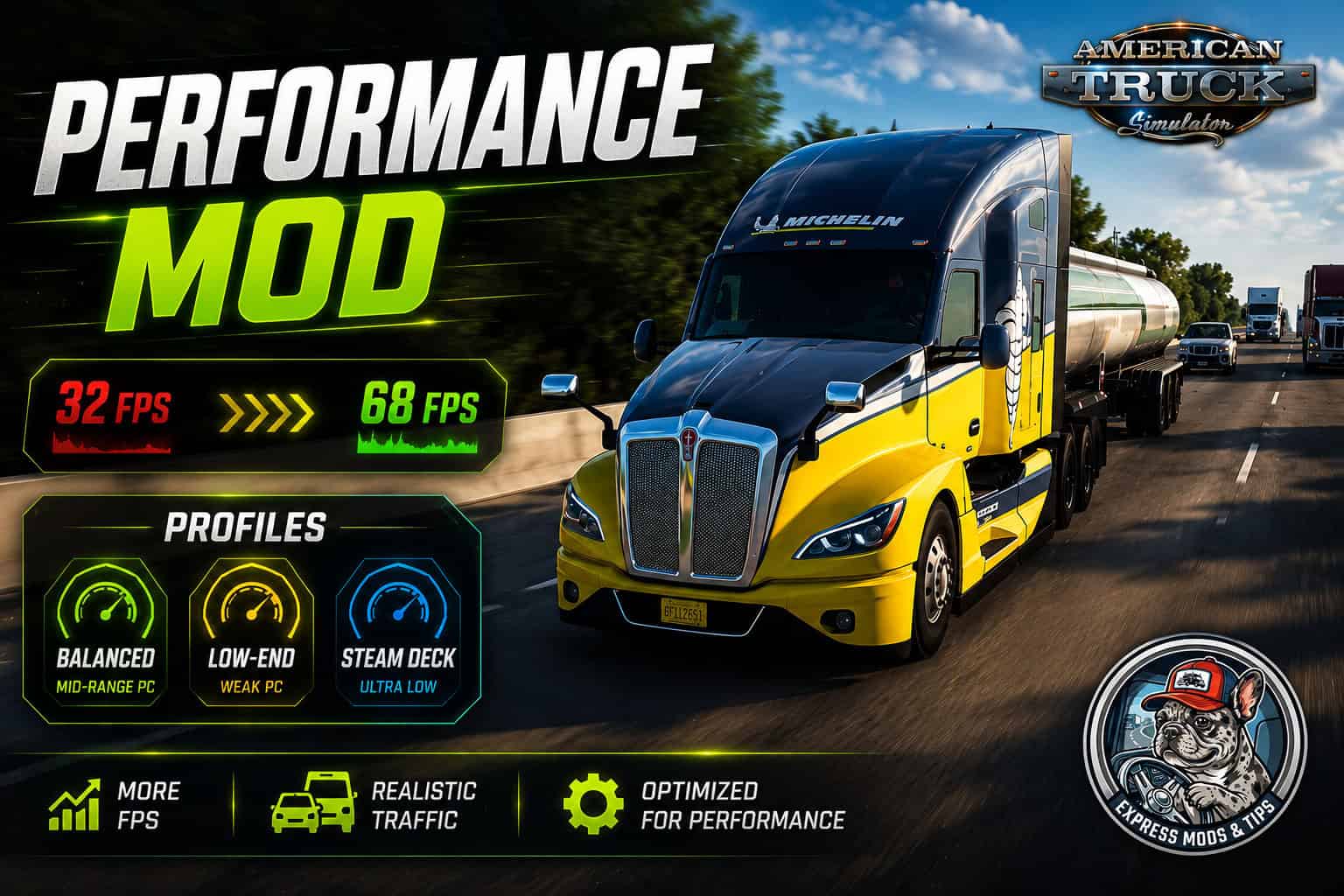
This mod includes three performance profiles. Choose **only one** based on your PC.
The ATS version is tuned more aggressively than the ETS2 version. American Truck Simulator maps are generally more open and rural, so the mod can reduce traffic and vegetation further while still keeping the world feeling active.
## How to Install
1. Close the game.
2. Open the `profiles` folder included with the mod.
3. Copy **one** `.scs` file to:
`Documents\American Truck Simulator\mod\`
4. Start American Truck Simulator.
5. Open the Mod Manager and enable the selected profile.
**Important:** Enable only one profile at a time. All three profiles edit the same game files, so enabling multiple versions will cause conflicts.
## Which Profile Should You Choose?
### Balanced Profile
Recommended for mid-range PCs with hardware such as a GTX 1060, RX 580 or better.
This profile keeps the roads reasonably busy while reducing grass density and the worst performance drops in city centres.
### Low-End Profile
Recommended for weaker PCs with hardware such as a GTX 1050, RX 560, older Intel Core i5 processor or compact all-in-one PC.
This is the recommended option for most players who need a noticeable FPS improvement without making traffic feel too sparse.
### Steam Deck Profile
Designed for Steam Deck, ROG Ally, integrated graphics and low-powered mini PCs.
This profile uses very aggressive performance settings. It is not recommended for a regular desktop PC because it reduces traffic and vegetation more than most desktop systems require.
## What Each Profile Changes
Vanilla ATS uses an AI vehicle limit of 50 and a grass density value of 60.
### Balanced
* AI vehicle limit: 30
* Vehicle spawn distance: 450 metres
* Vehicle despawn distance: 585 metres
* Grass density: 41 out of 60
* Grass draw distance: 72 metres
* Grass rendered compared with vanilla: approximately 13%
### Low-End
* AI vehicle limit: 22
* Vehicle spawn distance: 360 metres
* Vehicle despawn distance: 450 metres
* Grass density: 29 out of 60
* Grass draw distance: 51 metres
* Grass rendered compared with vanilla: approximately 4%
### Steam Deck
* AI vehicle limit: 15
* Vehicle spawn distance: 288 metres
* Vehicle despawn distance: 360 metres
* Grass density: 17 out of 60
* Grass draw distance: 38 metres
* Grass rendered compared with vanilla: approximately 1%
The amount of grass rendered compared with the vanilla game is the setting that has the biggest effect on performance.
## Optional Config Tuner for Extra FPS
A mod can only edit the game’s definition files. On weaker PCs, some of the biggest performance gains come from reducing shadow resolution, mirror quality and level of detail.
These settings are stored in `config.cfg`, which cannot be modified by a standard `.scs` mod.
For additional performance, you can use:
`config-tuner\TUNE PERFORMANCE.bat`
The tool creates a backup before changing anything, shows exactly which settings will be adjusted and allows you to restore your previous configuration at any time.
It will also ask whether you want to tune Euro Truck Simulator 2 or American Truck Simulator.
Read `config-tuner\README.txt` before using it.
The config tuner is optional and works separately from the main mod.
## How to Measure FPS Properly
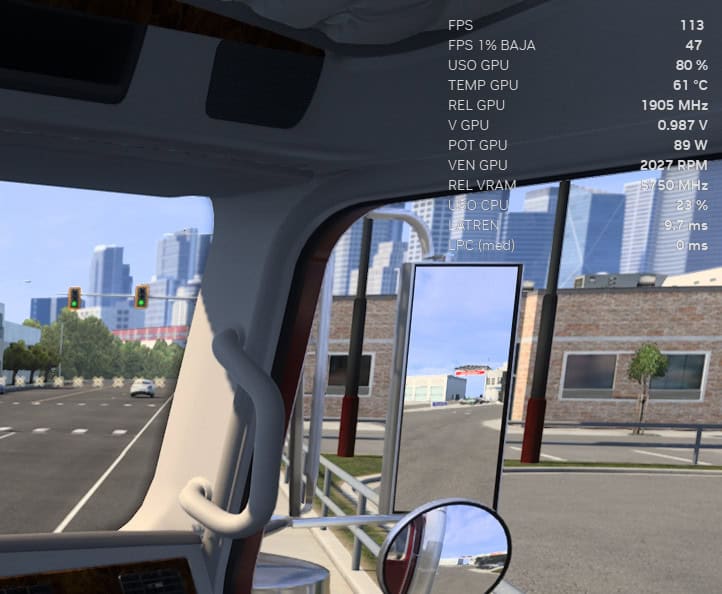
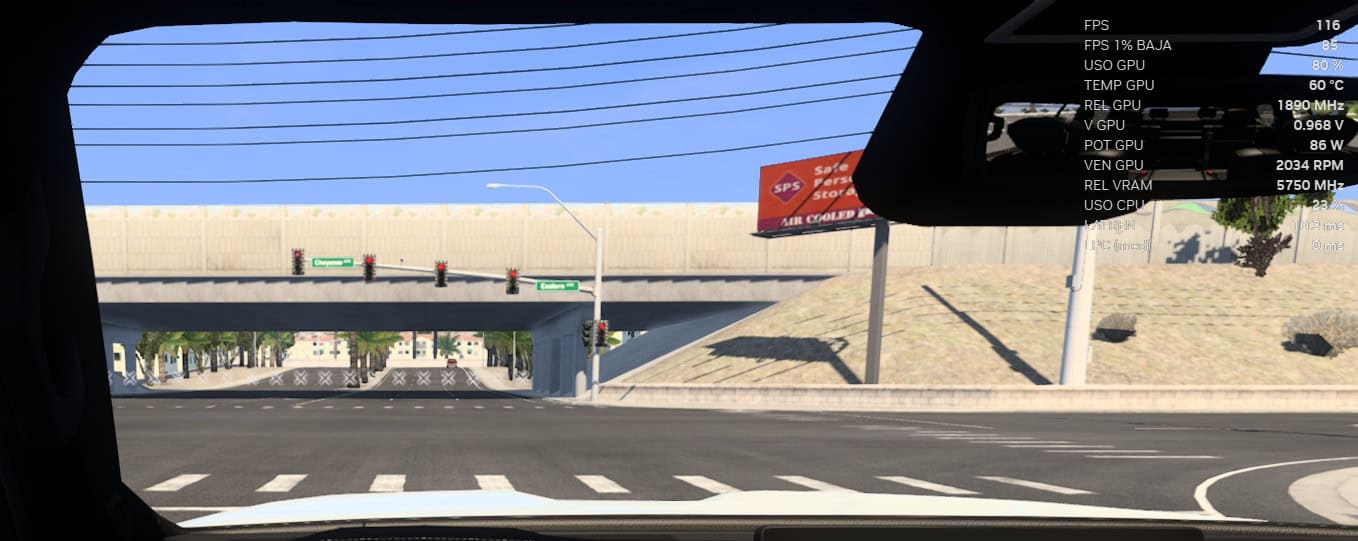
Traffic density changes depending on the in-game time. Testing at different times of day will produce unreliable results.
Keep the following conditions identical during both tests:
* Test in the same location, preferably a large city such as Los Angeles or Las Vegas.
* Set the in-game time to 16:30, when traffic is usually at its busiest.
* Use clear weather during both tests.
* Compare your minimum FPS rather than only looking at the average.
## What the Mod Does Not Change
The mod does not change:
* Physics
* Economy
* Save files
* Textures
* Models
* Trees
* Buildings
* Shadows
It is compatible with truck mods, map mods and sound mods. It is also safe to add or remove during an existing save.