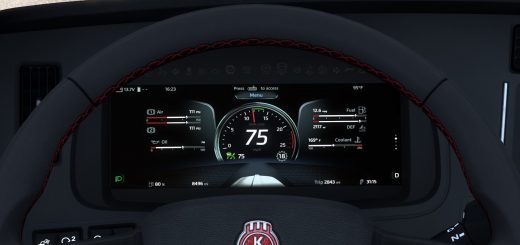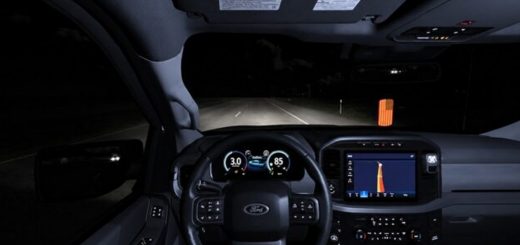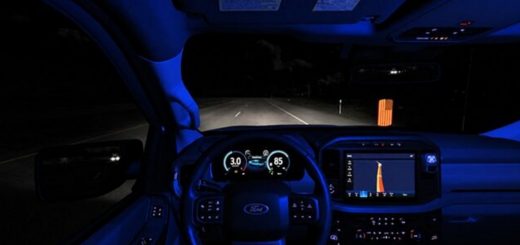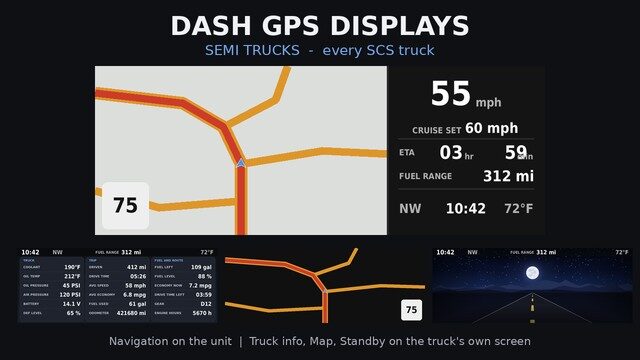
Adds an aftermarket dash GPS to every SCS truck in the game. The unit works alongside the truck’s factory centre screen, combining navigation with vehicle and trip information.
The GPS Unit
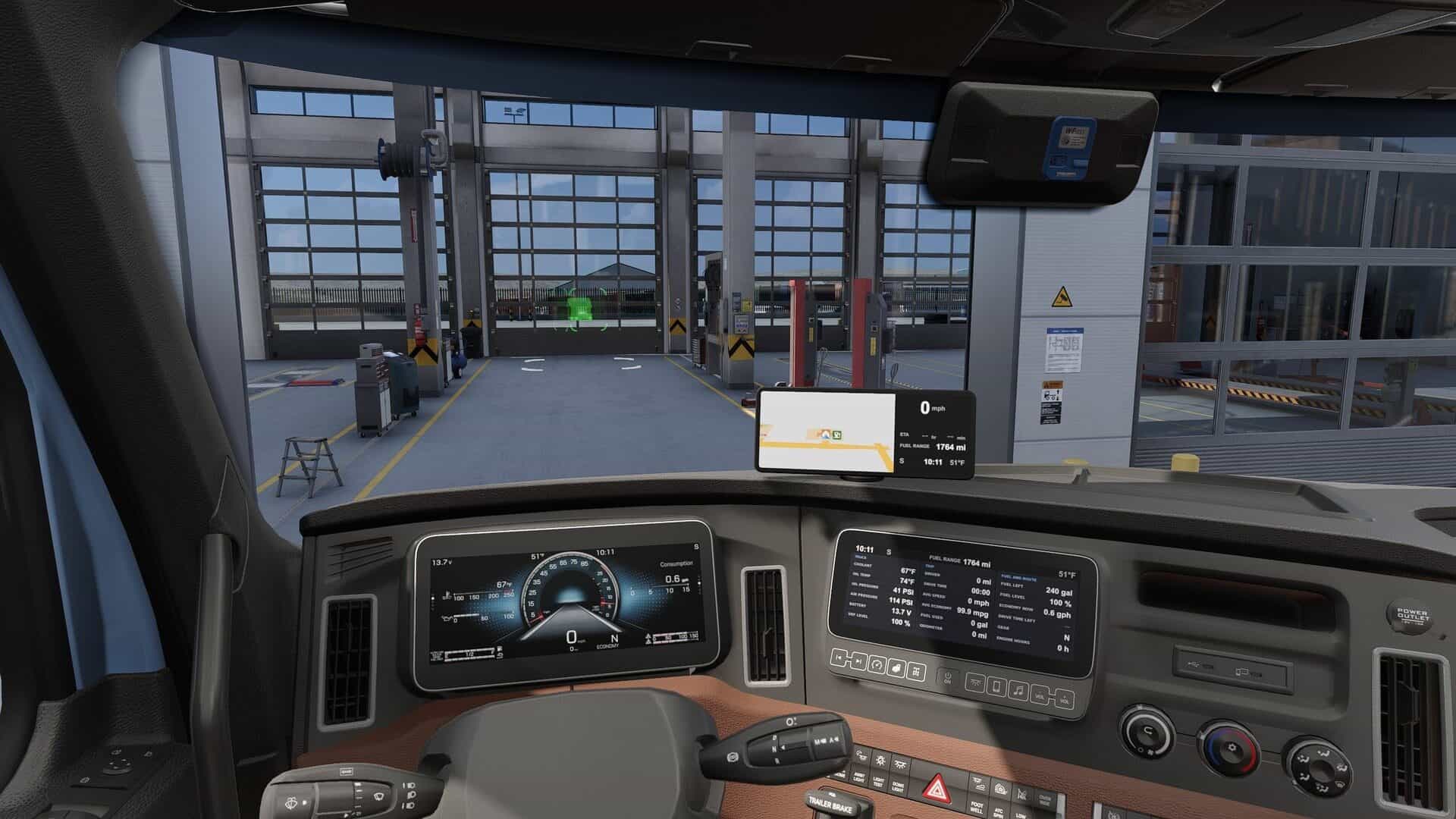
Buy Dash GPS Display Wide 10″ at any service or upgrade shop. Find it under Accessories, in the same slot as the game’s Portable Navigator and Cellphone.
The unit sits on top of the dash in most trucks. In the Kenworth W900, Peterbilt 389, Volvo VNL, and VNL 2018, it hangs from the top of the windshield to keep the hood mirrors and forward view clear.
Navigation Display
The GPS unit shows a live map with:
- Speed limit
- Current speed
- Cruise control set speed
- Remaining driving time (ETA)
- Fuel range
- Heading
- Clock
- Outside temperature
A LOW FUEL indicator appears when the game’s low-fuel warning activates.
Factory Centre Screen Pages
- Truck Info: A Truck card showing coolant, oil temperature and pressure, air pressure, battery, DEF level, fuel remaining, fuel level, and current fuel economy. A Trip card shows distance, driving time, average speed, average fuel economy, fuel used, odometer, remaining drive time, gear, and engine hours.
- Map Only: A full-screen map with the speed limit.
- Standby: A day or night road image with the clock, heading, fuel range, and temperature.
- Screen Off: Turns off the display.
Switch pages using the game’s Infotainment Display Mode control. Find the key binding under Options > Keys & Buttons.
Interiors Without a Centre Screen
The base interiors of the Cascadia 2019, LoneStar, LT, Mack Anthem, and Pinnacle, along with the International 9900i, have no centre screen. In these interiors, the GPS unit itself provides four pages: Navigation, Truck Info, Map Only, and Standby.
Day and Night Modes
The displays use day mode with the headlights off and night mode with the headlights on. Night mode features a dark map and a nighttime standby image, while screen brightness follows the game’s dashboard backlight setting.
Supported Trucks
Supports every cab and interior of the following trucks:
- Freightliner: Cascadia 2019 and Cascadia 2024.
- International: LoneStar, LT, and 9900i.
- Kenworth: T680, T680 2022, and W900.
- Mack: Anthem and Pinnacle.
- Peterbilt: 389 and 579.
- Volvo: VNL, VNL 2018, VNL 2025, and VNR Electric.
- Western Star: 49X, 57X, and 5700XE.
Truck-Specific Notes
- Volvo VNL 2025: The gauge cluster already uses the speed readout as many times as the game permits. The GPS unit therefore displays speed on a small needle dial instead of using digits.
- Volvo VNR Electric: The centre screen displays battery charge, energy remaining, and energy used in place of fuel, oil, and coolant information.
- Western Star 5700XE: Only the add-on GPS unit is changed. The truck’s factory screens remain untouched.
- Battery-powered trucks: On both battery trucks, the unit displays RANGE and LOW BATTERY instead of FUEL RANGE and LOW FUEL.
- Readout limits: The game allows each readout to appear only three times per truck. Where factory gauges already reach this limit, the affected item is omitted from the mod’s displays or shown as a dash rather than an invented value.
Requirements and Compatibility
- Created and tested on game version 1.61.
- Supports SCS trucks only, including trucks from DLCs you own.
- Disable other mods that change truck GPS or centre screens, such as ETA or rest-stop GPS display mods. They use the same screen files, so only one can take effect.
- Mods that change only the gauge clusters are compatible.
- Place this mod above other mods that modify the same truck interiors in the load order.
Feedback
If something looks wrong, leave a comment with the truck model, cab, interior, and a detailed description of the issue. These details help me identify the problem and work on a fix. Thank you!