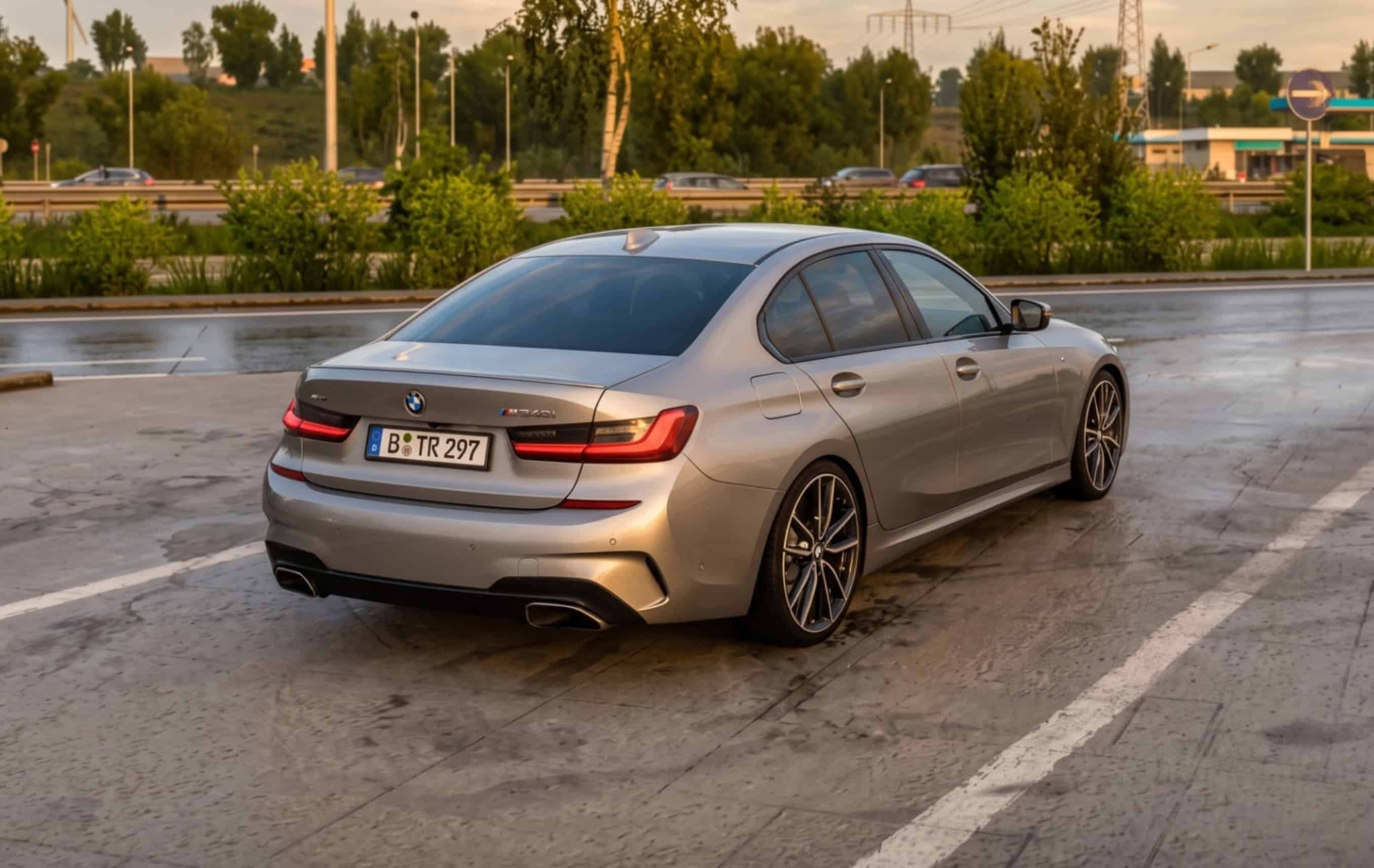
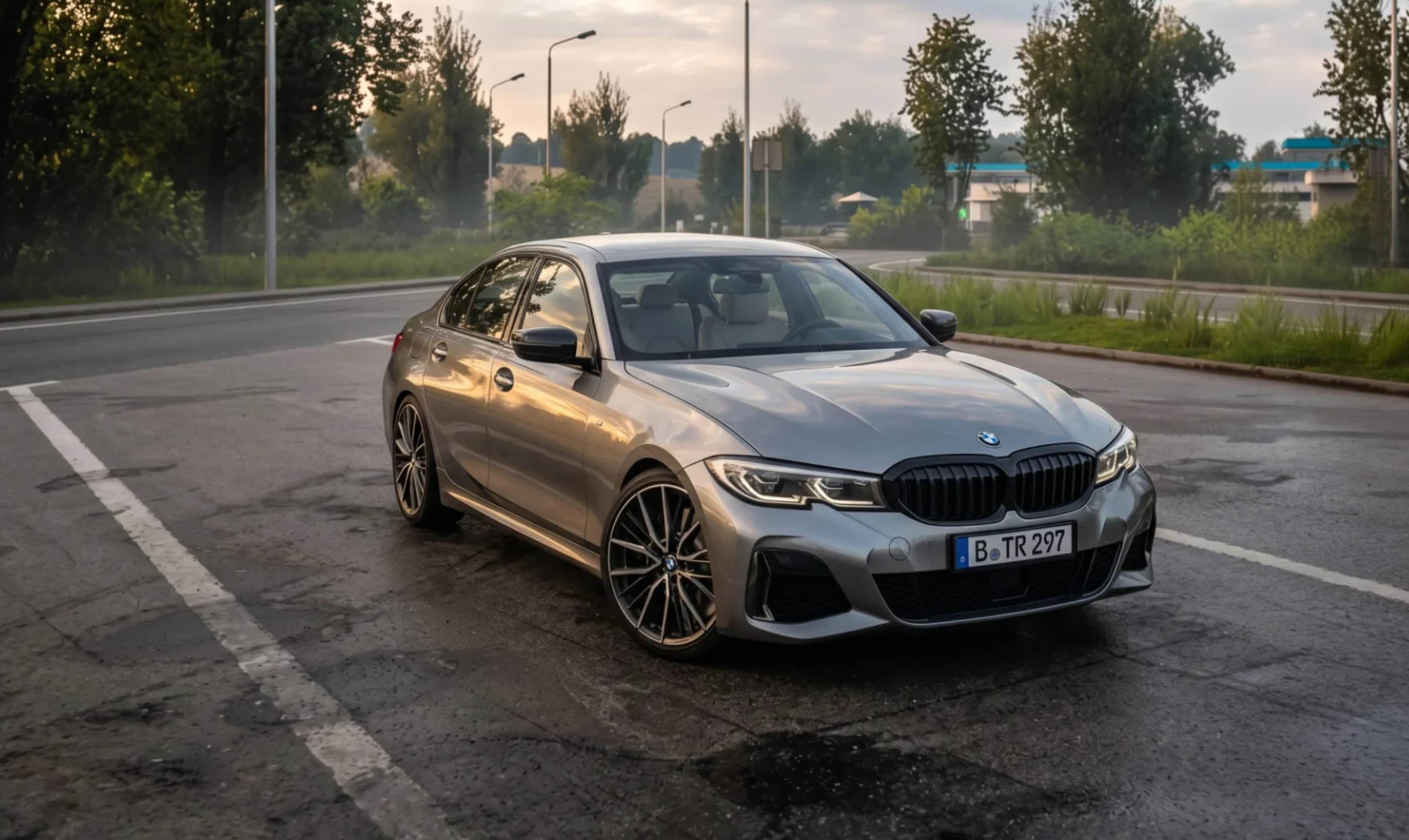
Changelog v1.4:
Engines:
– all G20 engines in the configurator, 316d to M340i, engine code in the name
– new tuning engine: M340i Tuned (B58), 800 hp and 1,000 Nm
– ZF 8HP76 gearbox for 330d and M340d
– power-to-weight like the real car, small engines rev up more slowly
Sound:
– turbo whistle and blow-off
– own start-up sound for the four-cylinders
– BMW start-up chime and indicator sound
– sound in 3D, exhaust at the rear, turbo at the front
– multiplayer sound fix
Interior:
– 25 interiors: 5 colours, each with 5 ambient options
– new M steering wheel in leather, alcantara or carbon
– ambient lighting now lights up the cabin
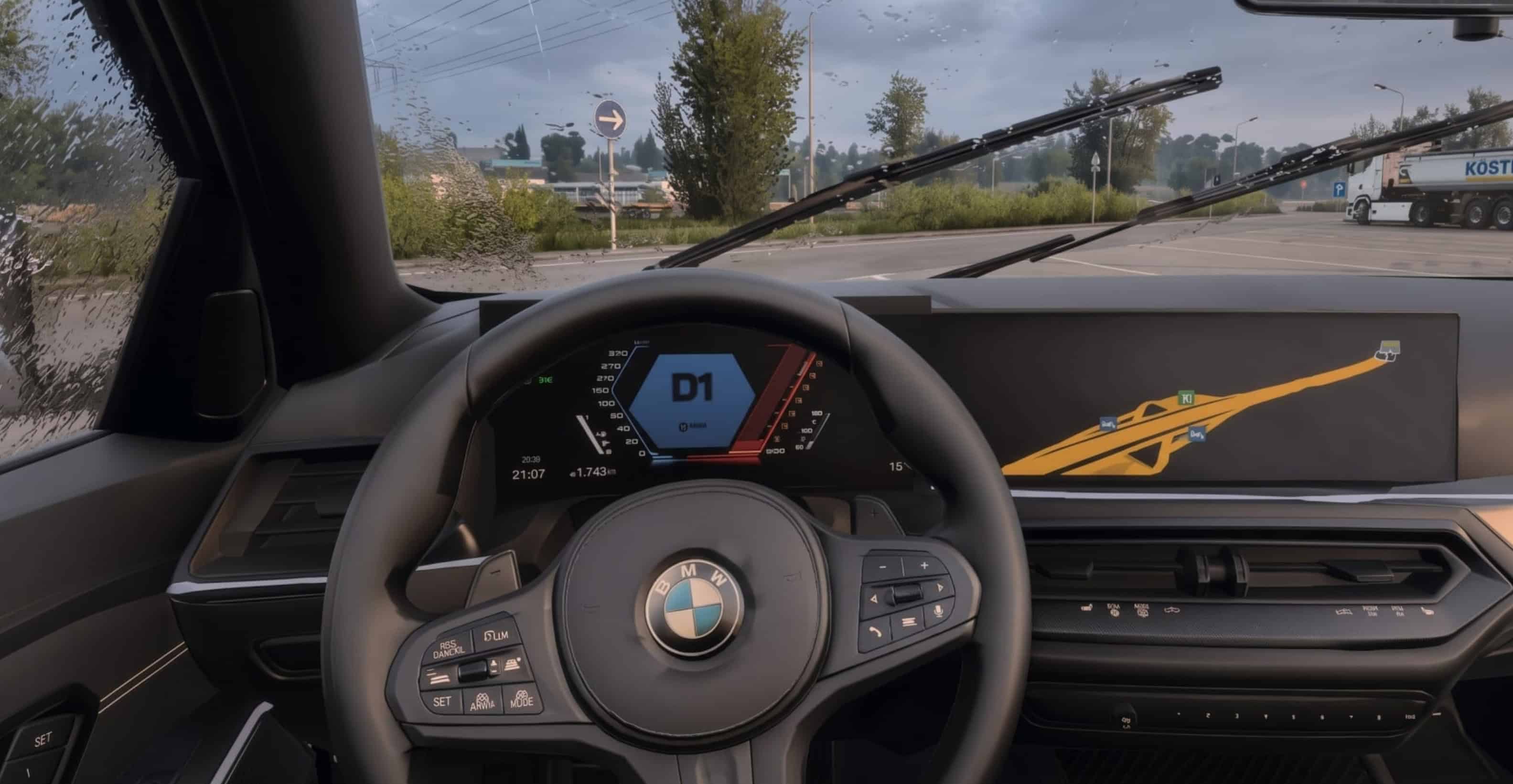
– new curved display: M cluster and central display
– rear-view camera when reversing
– animated gear selector, new indicator and wiper stalks
– reworked materials and cleaned up details
Wheels and tyres:
– 3 new sport rims (multi-spoke, Y-spoke bronze, 5-spoke), 19 and 20 inch, original or custom colour
– JDM 6-spoke and sport 5-spoke now in silver
– New brake discs on all rims
– Tyre spray in the rain
Look:
– front indicators in a warmer amber, the light fades in
Known issues:
– refuelling shows “petrol_price: 0,00 €” and “-nan” litres. We tried to fix this but unfortunately, we can’t fix that right now, since it depends in part on the car’s physics
Features
– B58 3.0 l inline-6 turbo: 374 hp (275 kW), 500 Nm from 1,850 to 5,000 rpm
– xDrive all-wheel drive
– Realistic inline-6 sound
– 8-speed automatic, works best with “Improved Car Automatic Transmission v1.2” by Deppelover
– Realistic headlights, LED tail lights
– Animated wipers
– Openable front windows
– Working mirrors
– 13 original BMW colours plus custom solid and metallic colours
– Cockpit with M Sport steering wheel
– Ambient lighting in 6 variants: Orange, Blue, Red, Violet, White
– Digital instrument cluster and navigation display
Where to find it
Truck Dealers > Access Mod Dealer > BMW