Follow Instruction:
To get “cam” working %100
1) Click on “cam node” in the interior and select the “cam”
2) If you were already using any “double panel mirror”
purchase a “single panel mirror”
3) Head back to truck config
4) Re-purchase any “double panel mirror”
5) Your done “cam” will now work %100
without having to look a little to the right.
Kenworth w900 s86 – Interior addons (with cam) 1.48
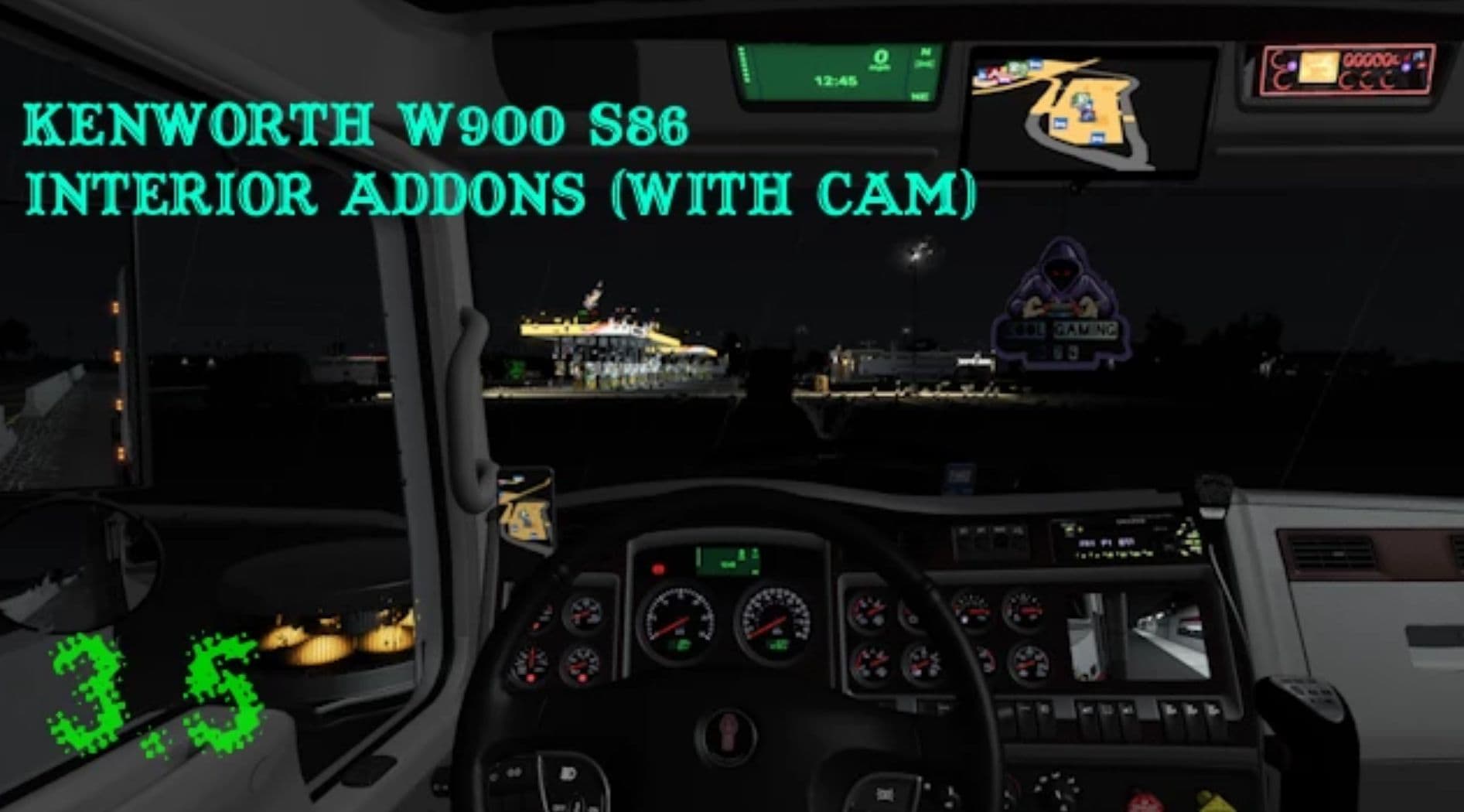
Author: SCS Software The Game Developer Mod Creator Kool gaming 876
Having trouble with the mod? Check the comments for a solution and report any new bugs you find.