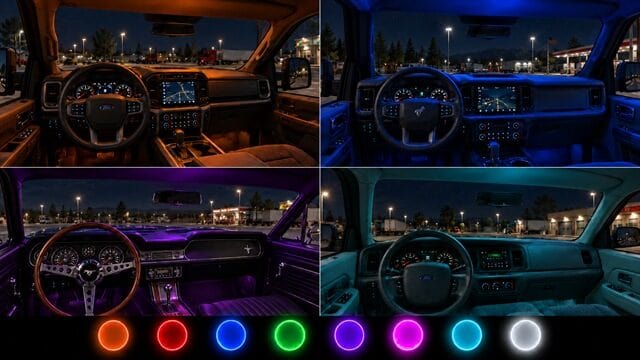
Adds colored cabin lighting to all four Road Trip: Ford vehicles: F-150, Bronco, Mustang and Crown Victoria.
Available colors:
Neon Orange, Red, Blue, Green, Purple, Pink, Cyan and Ice White.
Installation:
1. Enable the mod in Mod Manager and disable other Road Trip Ford cabin-light mods.
2. Visit a service shop and open the vehicle upgrade menu.
3. Open Interior Options and select your factory trim with your preferred color and activation mode.
4. Confirm the purchase.
Activation modes:
– Headlights: Cabin lighting turns on with your parking lights or headlights.
– Beacon: Use your assigned beacon key to turn the cabin lighting on and off. This also controls other beacon-linked accessories.
Requires ATS 1.61 and the Road Trip: Ford DLC.