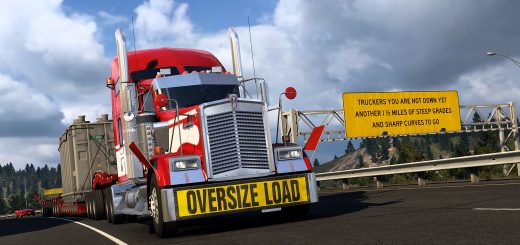
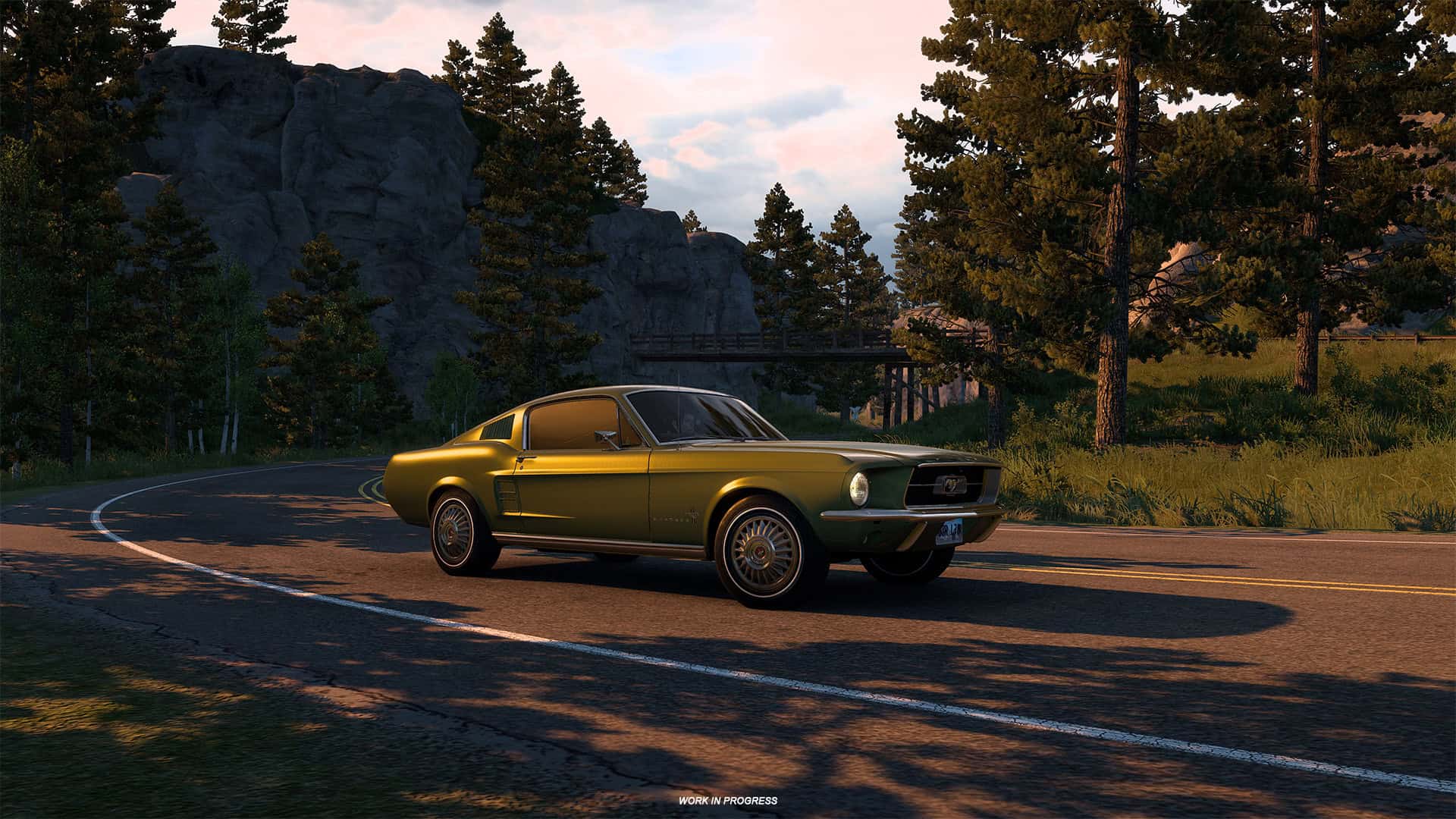
American Truck Simulator is starting to move beyond its usual trucking career with the arrival of Road Trip. That creates a simple problem for SCS Software: players now need a way to move between traditional trucking and car-based gameplay without mixing the two career systems together. Mode Switch is the system built to handle that.
In ATS, players will mainly move between Truck Mode and Car Mode. Truck Mode keeps the familiar freight hauling, company growth, and truck ownership systems, while Car Mode is built around exploration, customer jobs, and reputation. For players who already enjoy adding variety to driving games through community content such as SnowRunner Mods, the idea is easy to understand. The same world can feel different when the vehicle, objectives, and progression change.
Truck Mode and Car Mode have separate careers
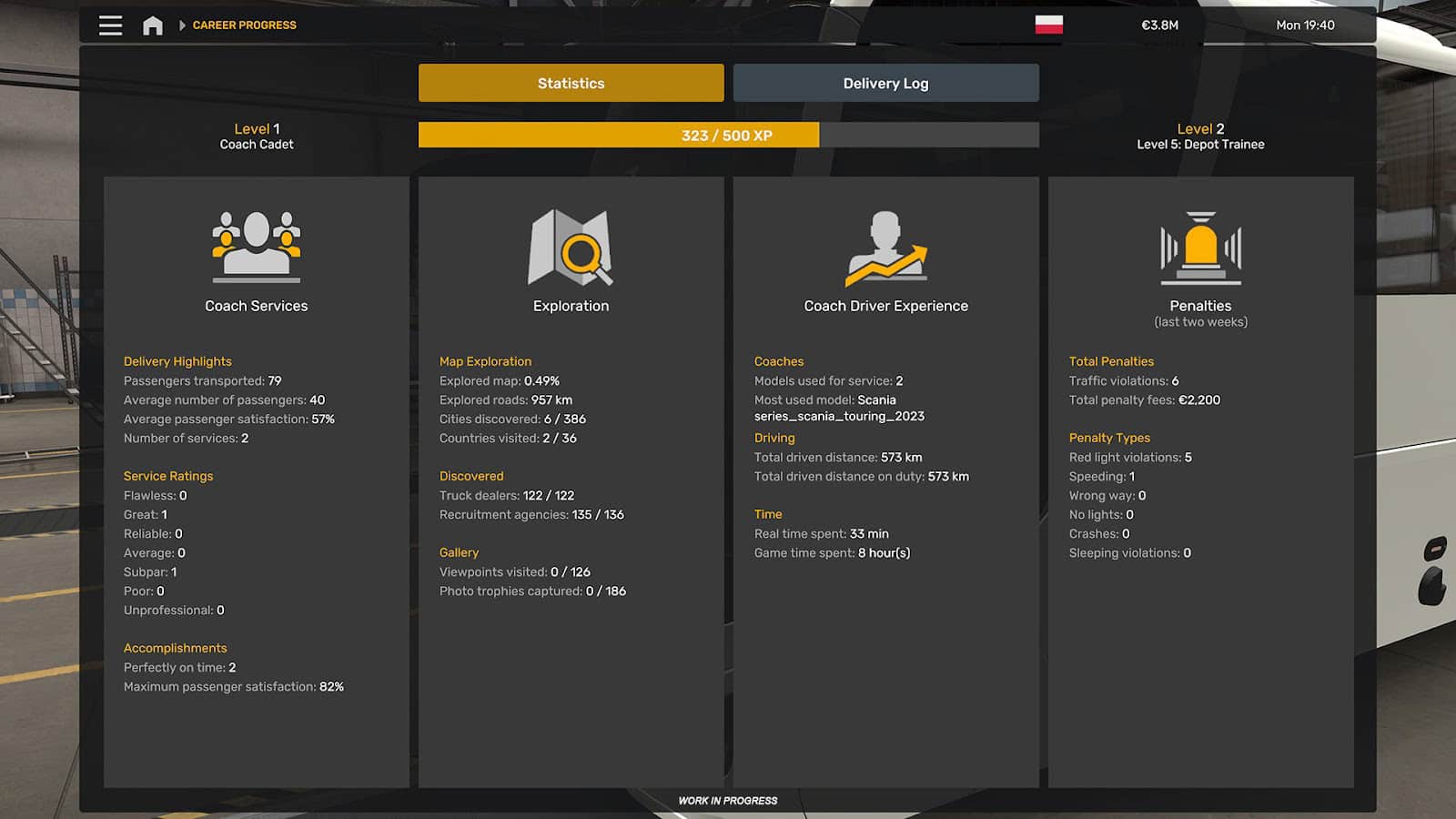
Switching to a car does not simply replace your truck while leaving everything else unchanged. Car Mode has its own gameplay loop and progression, so the work you do there is treated separately from your trucking career.
Truck Mode continues to revolve around hauling cargo and developing your transport business. Road Trip uses a different structure, with smaller customer jobs and progression tied to reputation rather than the normal truck experience system. This keeps both careers distinct even though they share the same ATS map.
How switching actually works
Players can select another mode while they are not driving and browse the information connected with that career. The complete switch happens once the Drive button is pressed, at which point the correct gameplay systems for the selected mode become active.
There is also a restriction on active jobs. Only one job can be running across the profile at any given time, so you cannot leave a truck delivery unfinished and immediately start a Road Trip contract. The current job has to be completed or abandoned first.
Your vehicles remain where you left them
ATS also remembers the location of vehicles used in different modes. If you park your truck in one part of the map, switch to Car Mode, and return later, the truck will still be waiting in the same place.
The map can show where your other vehicle is located, along with your current position when taking a Quick Job. This makes switching feel less like loading a separate career and more like moving between different activities inside the same world.
Money and map exploration carry over
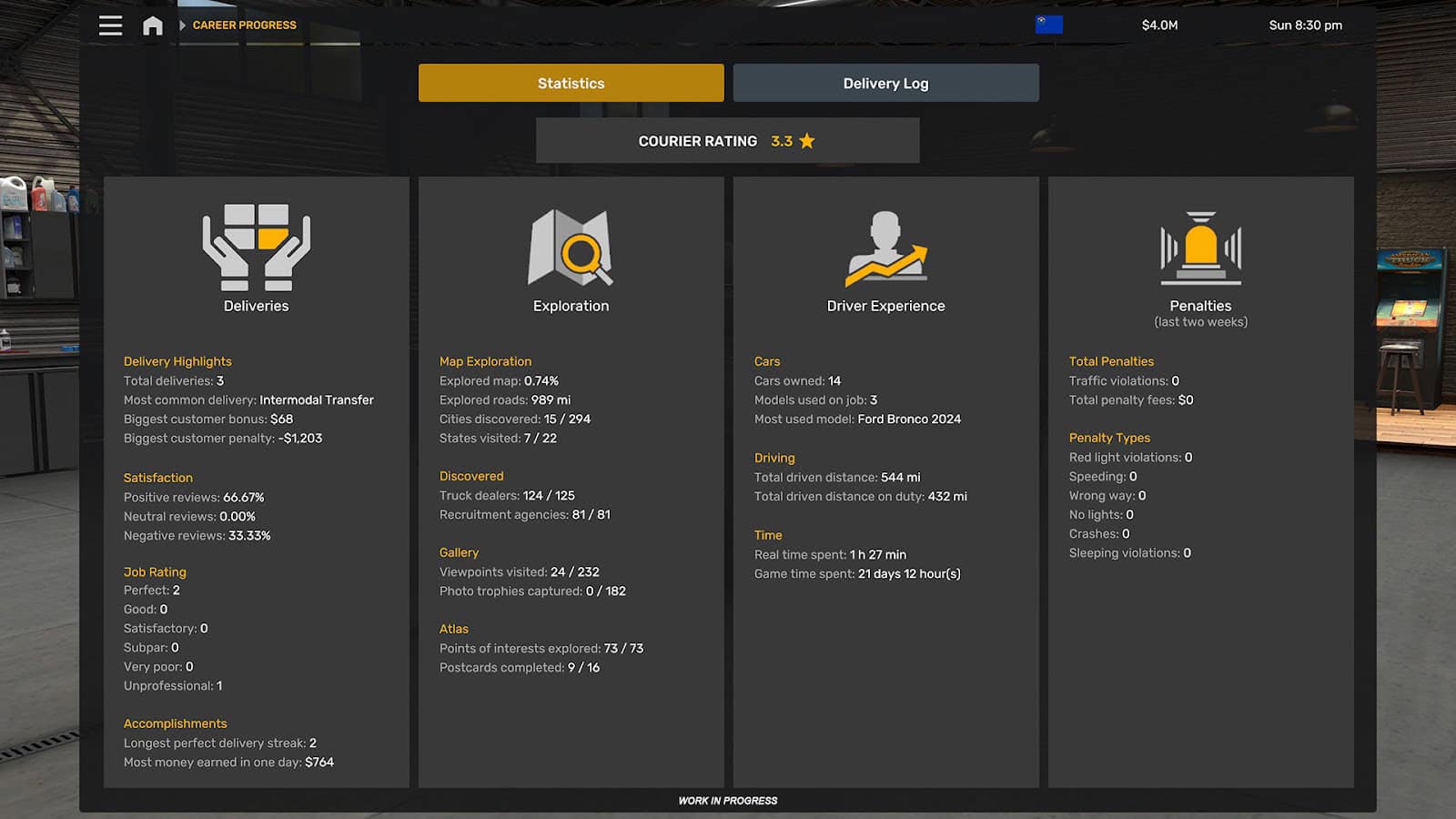
Not everything is separated between Truck Mode and Car Mode. Money remains shared across the profile, which means income earned through Road Trip goes into the same balance used by your trucking career.
Map exploration works the same way. Roads discovered while driving a car stay marked as explored when you return to your truck, while areas already uncovered through trucking remain available in Car Mode. Navigation currently updates fully once you start driving in the newly selected mode, and SCS has said it is looking at ways to make that transition smoother later.
Mode Switch therefore keeps the career systems apart where they need different rules while preserving the parts of ATS that make sense to share. You still have one profile, one map, and one economy, but now there are more ways to use them.