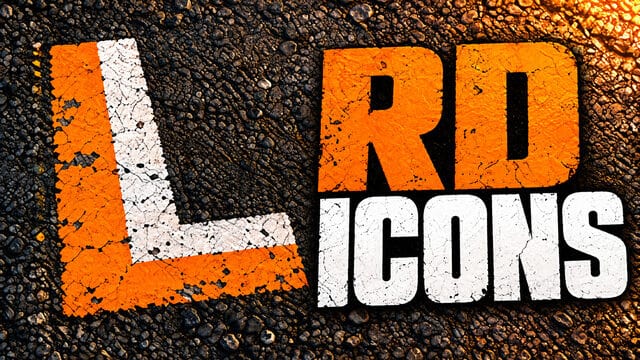
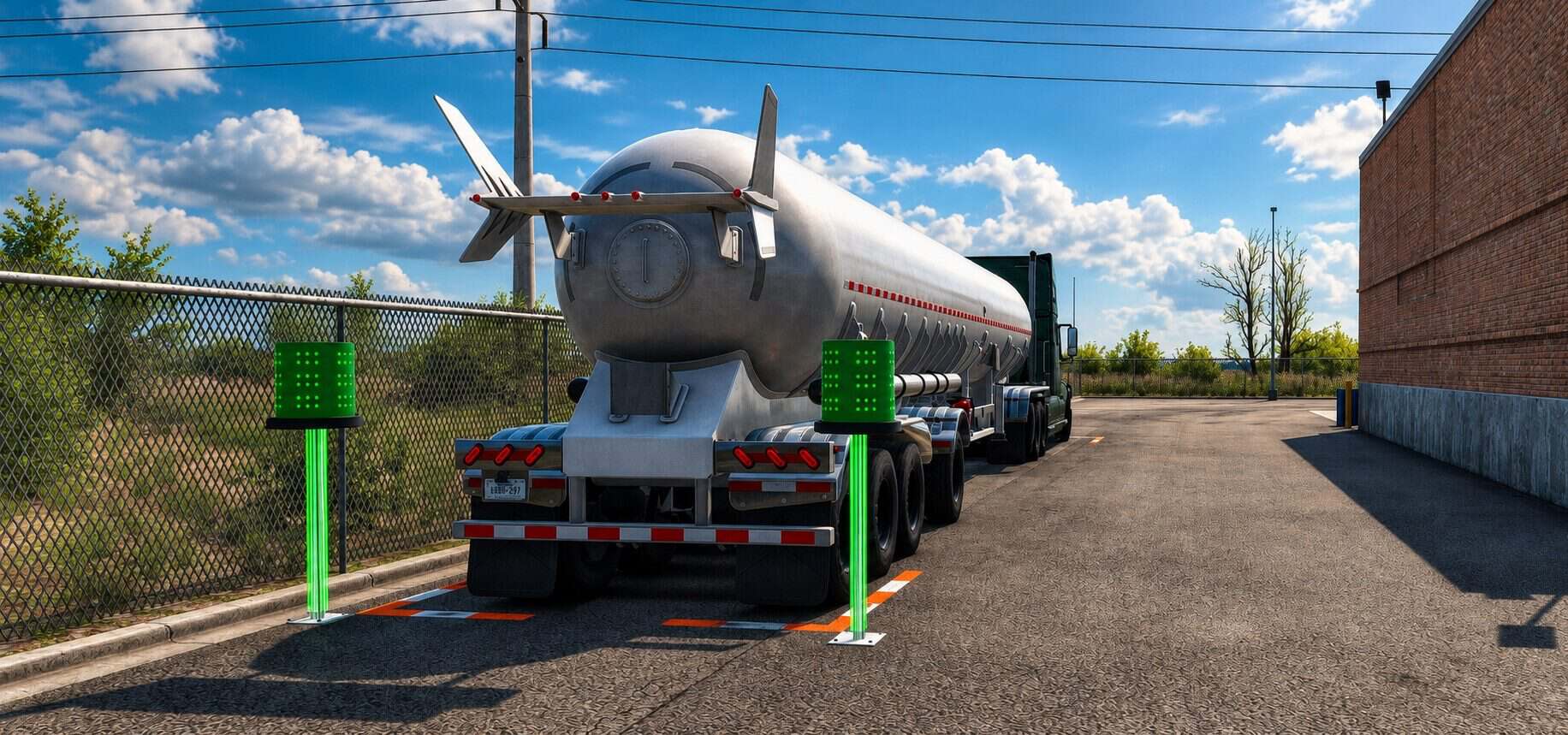
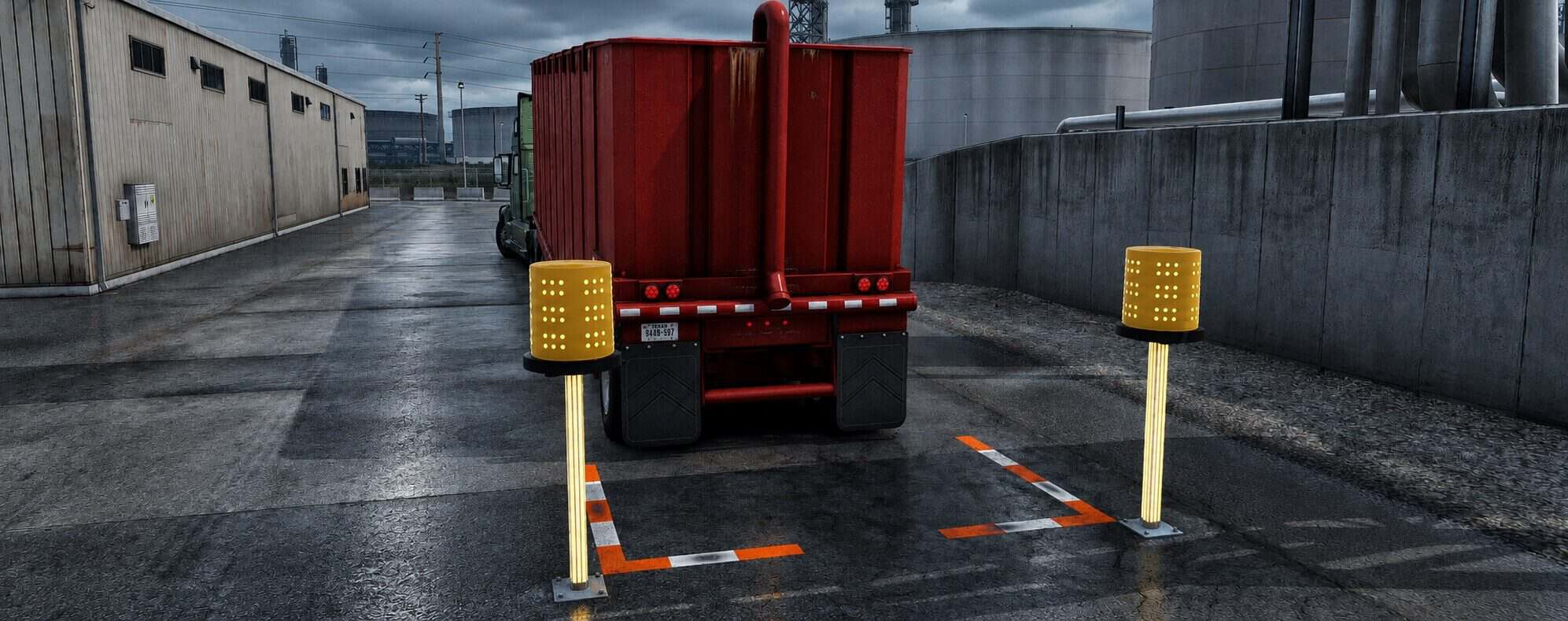
– White icons for ATS interaction points. Orange and white L-shaped ground markings with a weathered finish and enhanced nighttime visibility.
– Own truck coupling to a company trailer: ground markings only.
– Own trailer parking for loading: ground markings and beacons.
– Cargo delivery: ground markings and beacons.
– The lenses flash orange while waiting and green when the game recognizes correct alignment. Vertical LED strips follow the alignment color. Beacons have no collision.
– Marking length follows the original game; it may not surround the entire double/triple trailer combination.
– Installation: activate RD Icons in the Mod Manager. Remove or disable older versions. When conflicting with other marker mods, place RD Icons above them.
– Convoy: optional mod; the server must allow optional mods. Joining a session has been confirmed in testing.
– ATS only. Appearance and usage approved in daytime, nighttime and rain tests.