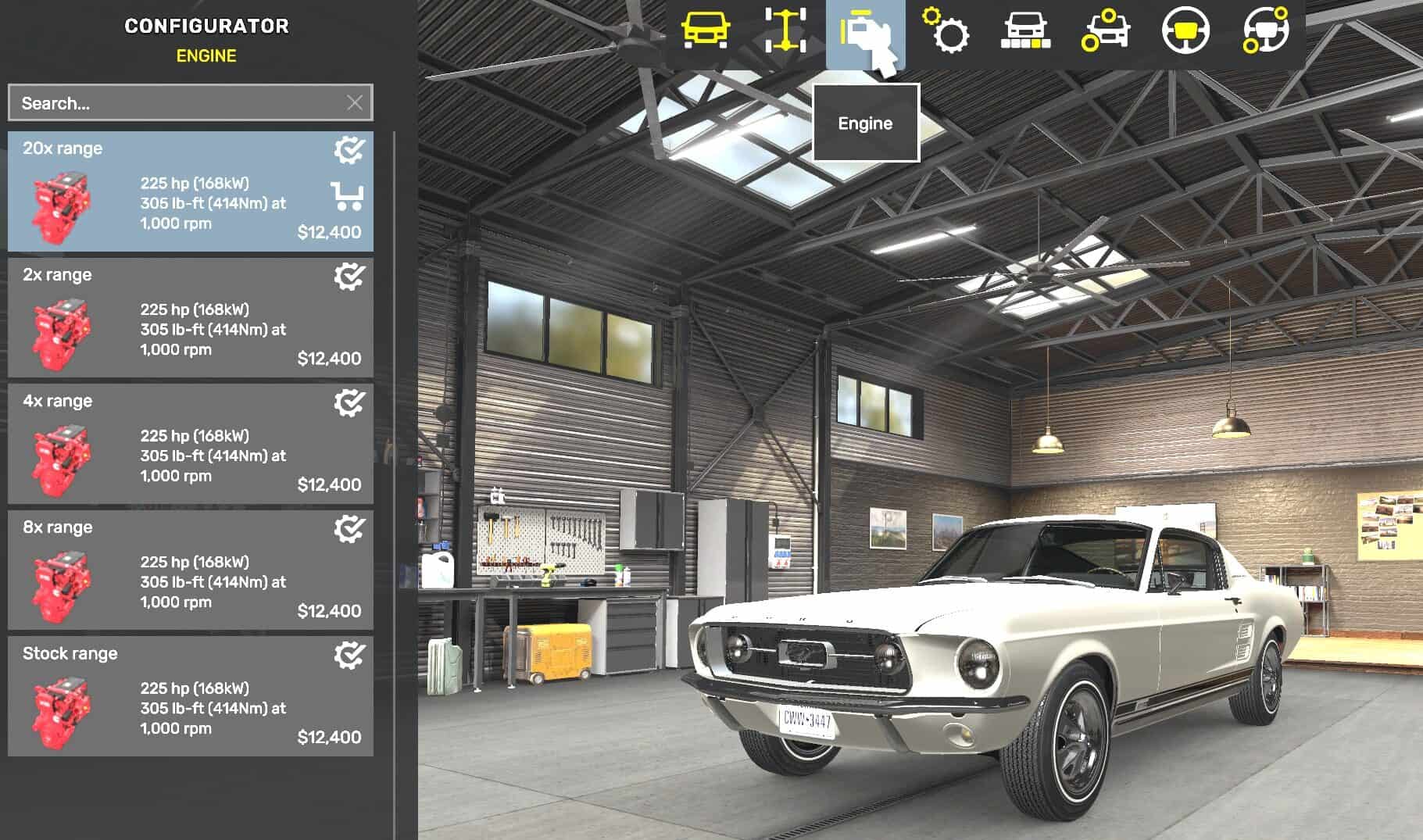
Enable Realistic fuel consumption in Gameplay settings. Open My Cars in the garage. Select your car, then Configure, then Engine. Choose Stock or a range preset and confirm.
– 2x range: 50% fuel use
– 4x range: 25% fuel use
– 8x range: 12.5% fuel use
– 20x range: 5% fuel use
Ford Road Trip cars only. Requires Ford Car Pack. Before disabling, select Stock range on each modified car and save.